SE Application Tabs
Special Education Application Dashboard Components
Special Education (SE) Application Dashboard Components
Screenshot of the Components in the SE Application Dashboard

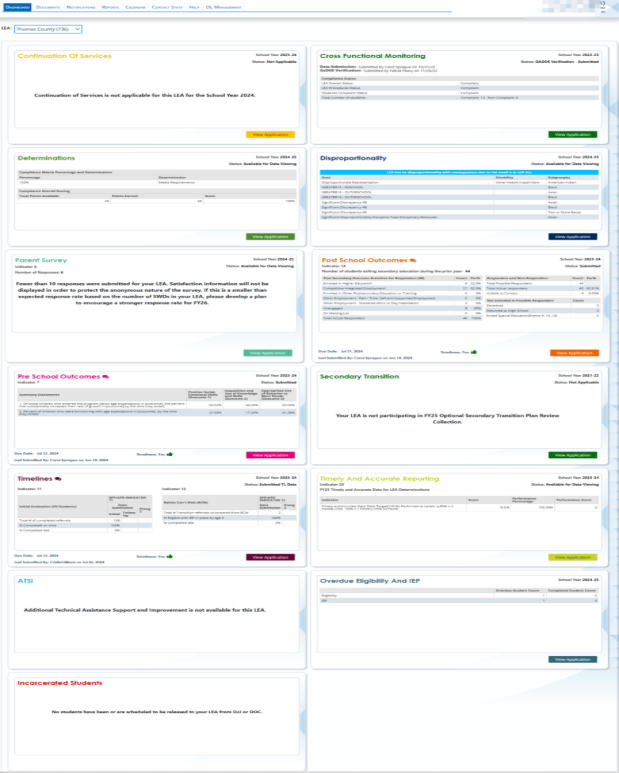
The Special Education (SE) Dashboard Application is located inside of the Georgia Department of Education web portal and is made up of thirteen applications. The SE applications Dashboard collects federal data elements not collected through FTE or Student Record. It is also a place for LEAs to share documents, reports and information with GaDOE Data Collection team and the Results Drive Accountability (RDA) unit in a safe and secure manner.
The current applications include:
- Additional Technical Assistance Support and Improvement (ATSI)*
- Continuation of Services*
- Cross Functional Monitoring*/** (Indicator 13)
- Determinations**
- Disproportionality** (Indicators 4a, 4b, 9, and 10)
- Incarcerated Students*
- Overdue Eligibility and IEP*
- Parent Survey** (Indicator 8)
- Post School Outcomes* (Indicator 14)
- Preschool Outcomes* (Indicator 7)
- Secondary Transition* (Indicator 13)
- Timelines* (Indicators 11 and 12)
- Timely and Accurate Data**
* Special Education Directors must enter information into the application.
**GaDOE pre-populates the application with the LEA’s data.
Screenshot of the 13 Applications
Documents
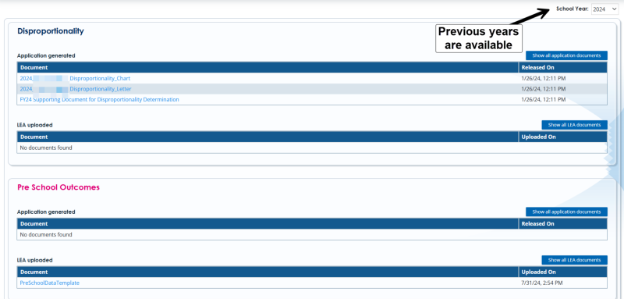
The document section contains uploads by GaDOE or the LEA. Previous years are available. 
Screenshot of a LEA’s Document Section
Notifications
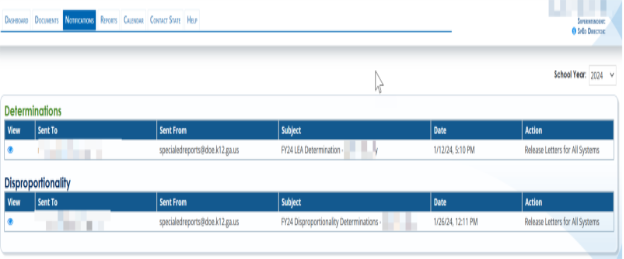
The notification section includes any formal letters from GaDOE regarding the LEA’s status with an application.
Screenshot of a LEA’s Notifications
Reports 
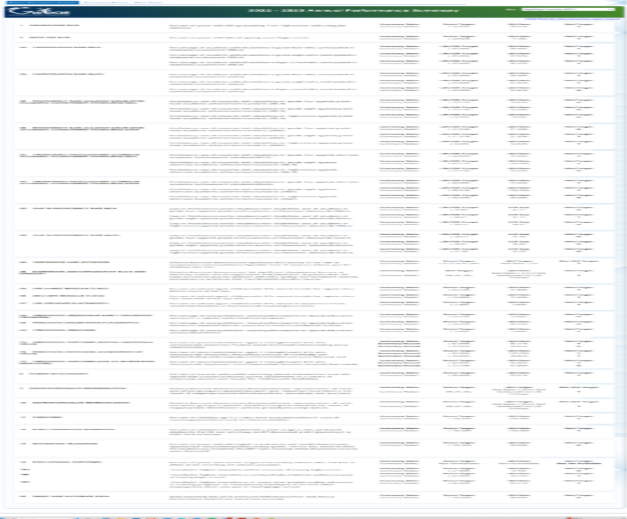
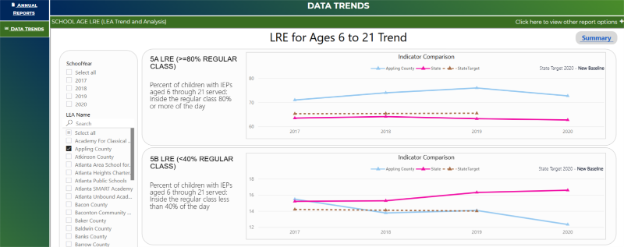
The Report section includes the LEA’s Annual Performance Summary and Data Trends sections. In the Annual Performance Summary tab, the LEA’s most recent APR is provided. There is a link inside the application that takes the user to the GaDOE webpage with the interactive APR reports. The user can view the APRs for Georgia, the user’s LEA, or any other LEA in the state of Georgia. The webpage also includes an interactive data trends section that allows users to view data trends and compare LEAs and LEAs to the State of Georgia.
Screenshot of an LEA’s Annual Performance Summary
Data Trends 
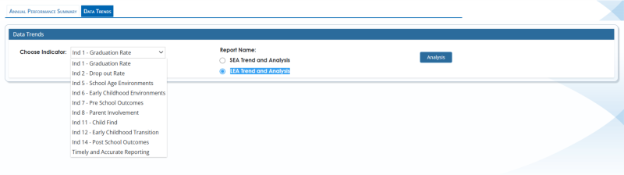
The Data Trend section provides LEAs with data reports at the SEA and LEA level. It includes multiple years. The hyperlink takes them to the GaDOE website with the Data Trend reports.
Screenshot of the hyperlink to the Annual Performance Summary reports
Data Trends Webpage
Screenshot of the Indicators
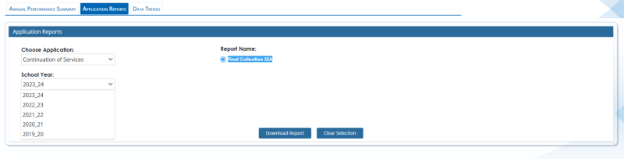
Screenshot of the School Years Available
Calendar

The calendar tab includes the Special Education Data due dates for the year. The most current calendar is posted in this section.
Help
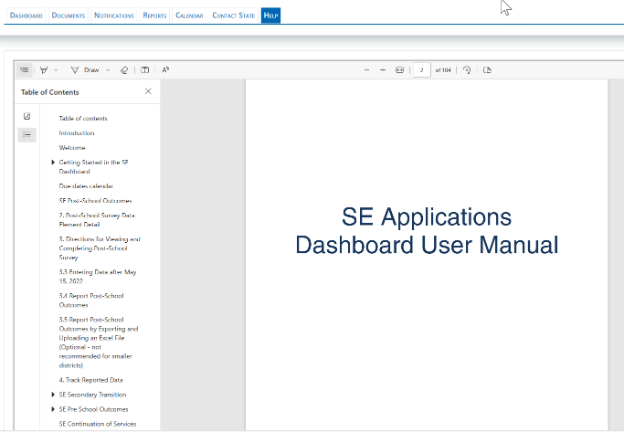
The Help tab includes the SE Applications Dashboard User Manual. The manual explains why we collect the data in that application and how to use the applications with detailed instructions. It is updated regularly as the applications are updated.

Screenshot of SE Applications Help Manual