Initiate a Meeting
The meetings page list all of the meetings and the status for each meeting.
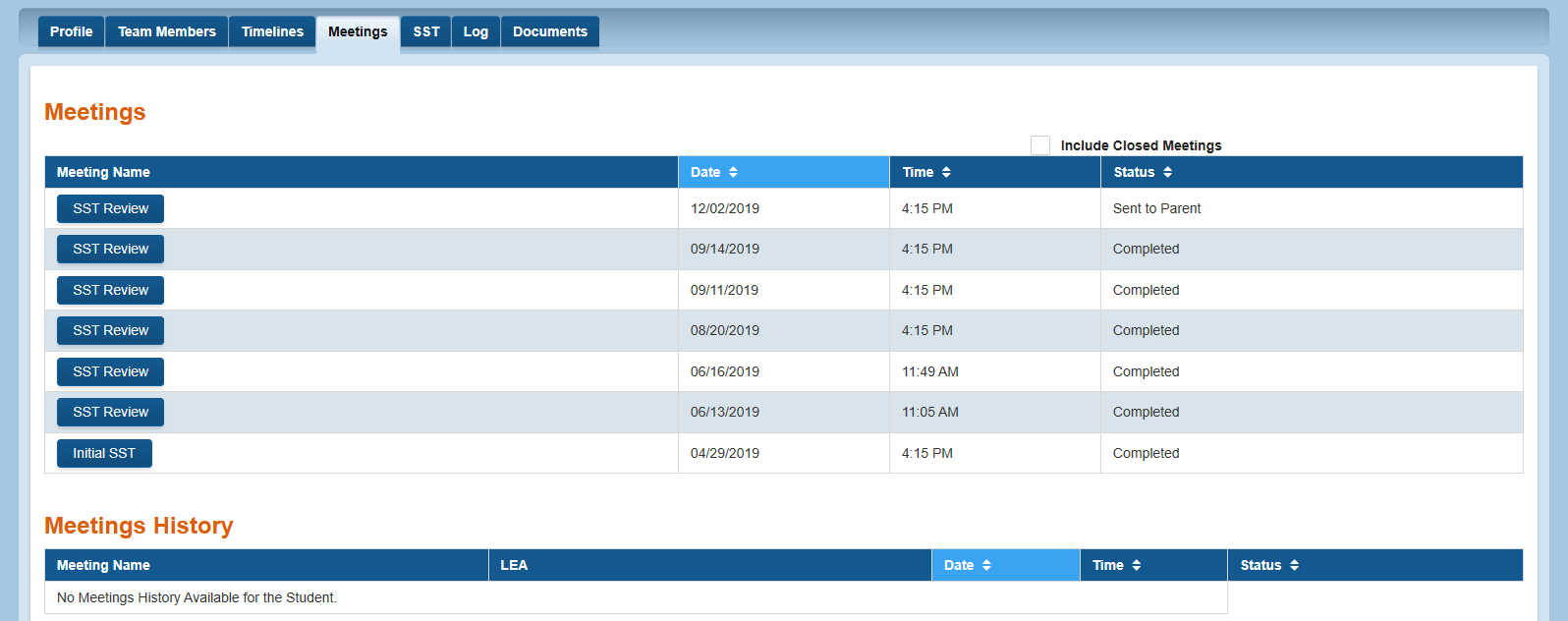
Initiate a Meeting
Meetings are initiated from the Time Lines page. This page becomes active when a user clicks on the the Start Initial SST link on the Timelines page.
Complete a Meeting Notice
Completing a meeting notice consists of editing the meeting information, providing a meeting purpose, and assigning the meeting roles.
Meeting Information
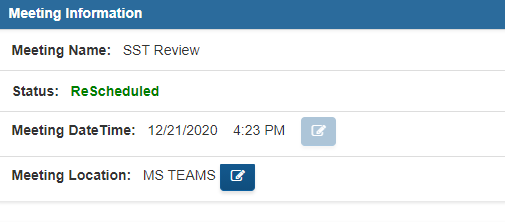
The meeting information consist of the Meeting Name, Status, Meeting Date, Time and Location. The meeting name and Status are automatically generated.
The Meeting date, time, and location can be modified by clicking on the edit icon.
Meeting Purpose
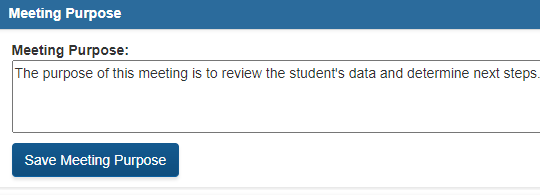
The meeting purpose is an editable field. User can click in the Meeting purpose text box to type the purpose of the meeting. This is an editable field UNTIL the submit button is clicked by the user.
Meeting Attendees Count
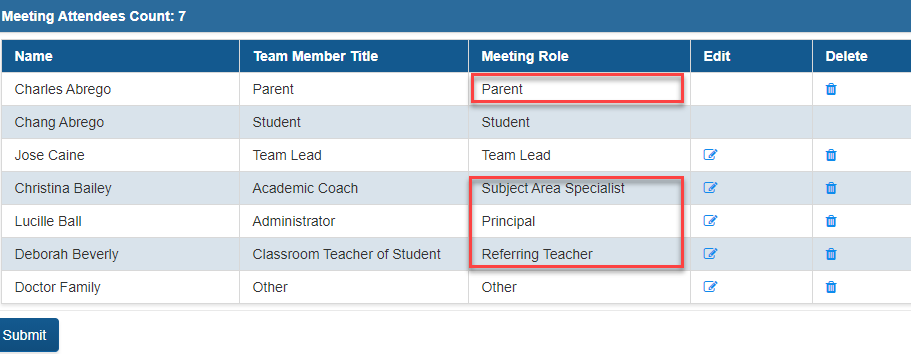
In this section, the meeting roles are editable until the submit button is enabled by the user. It is important that the the Georgia State Board SST rule is applied.
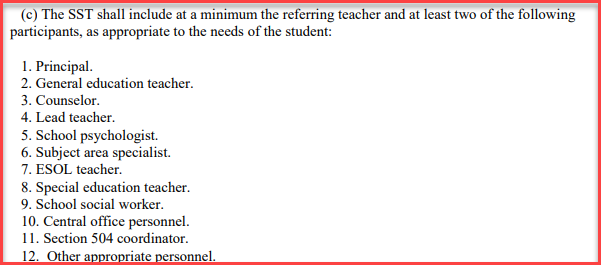

In the example below, the student's SST meets the SST guidelines.