Students Not Requiring Accommodations or Not Assessing
On the state testing accommodations page, you can select that the student is not taking any EOC classes or will not test for GAA 2.0 this year if they do not need any accommodations for those during the effective dates of the IEP. On the state testing accommodation page select add/update accommodation and select the assessment type. The 3 options in the screenshots below will show for students in grades 9-12.
- Select the first radio button if a student is taking any assessment in the list and do not need any accommodations. This one replaces the original radio button that showed before for that reason.
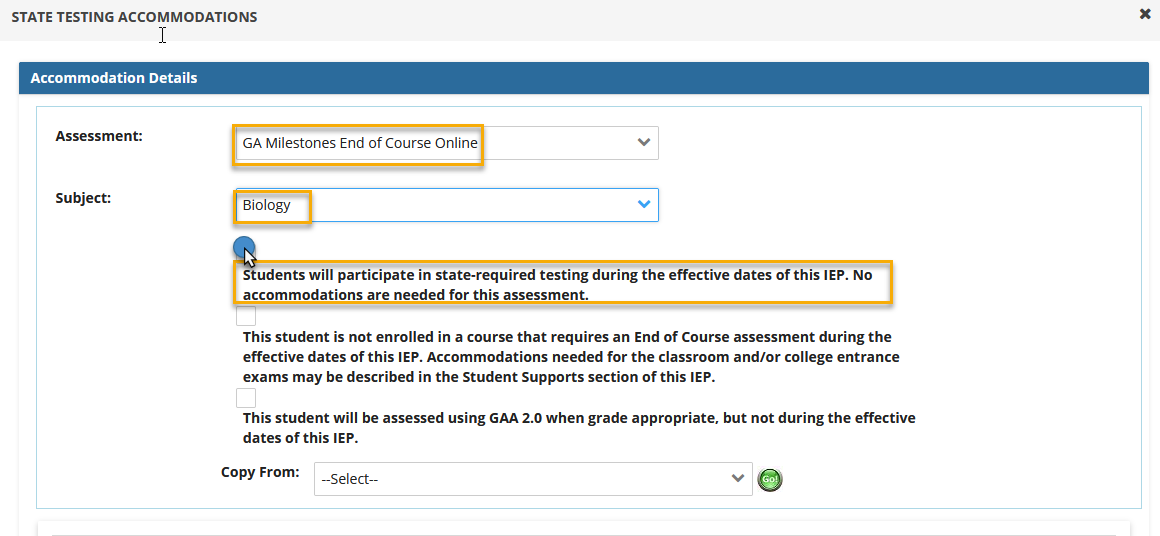
- Select the second radio button if the student is not enrolled in a course that requires them to take an EOC assessment during the effective dates of the IEP. The subject area should remain blank (do not select any EOC course).
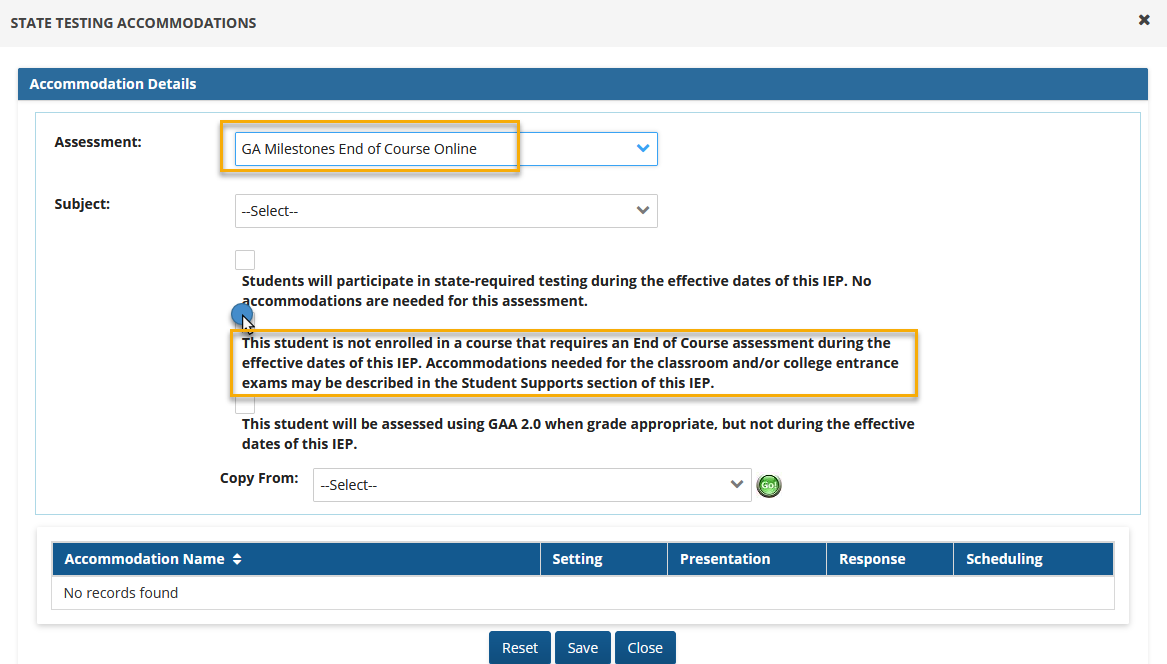
- Select the third radio button if the student will not be assessed on the GAA 2.0 during the effective dates of the IEP.
For the Subject area select "All Subjects".
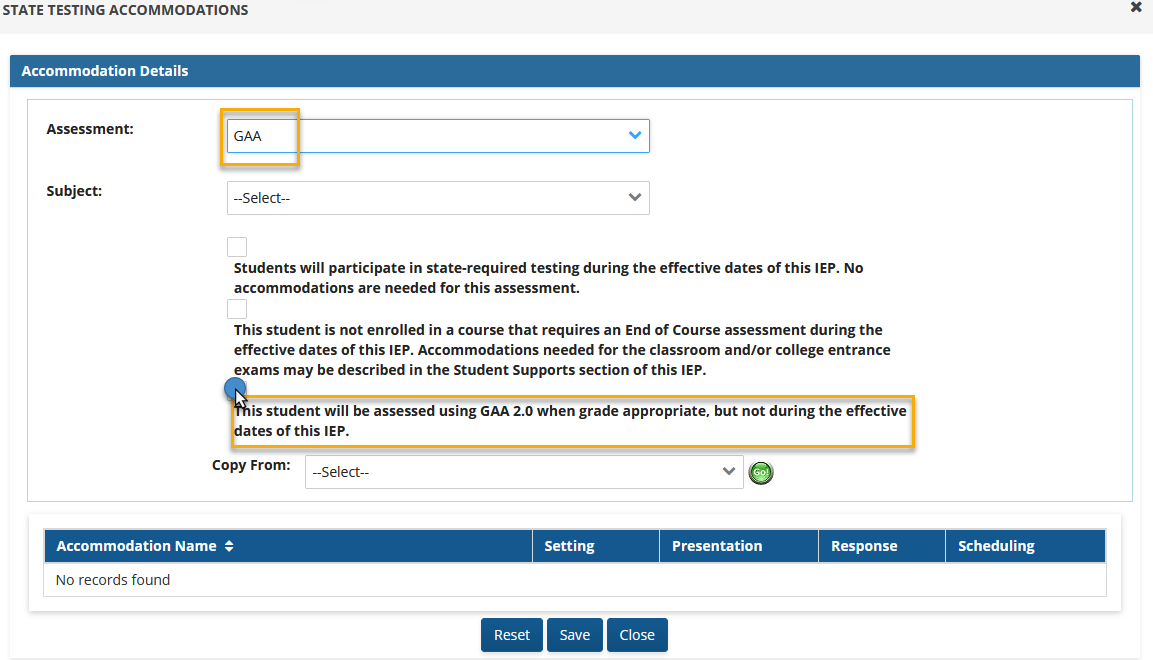
The final audit will require you to select one of these options if no state testing accommodations were added for a student in 9-12 grade.
8th Grade Students: For students who are in the 8th grade, a WARNING will show at the top of the audit page when the IEP is ready to be finalized. The IEP team must discuss the student services, enrollment in courses, and consider accommodations for the Georgia Milestones or GAA 2.0 testing will occur during the effective dates of the IEP. *This is only a warning and will not prevent you from finalizing the IEP.
